
How does search work on the Entertainment Wire?
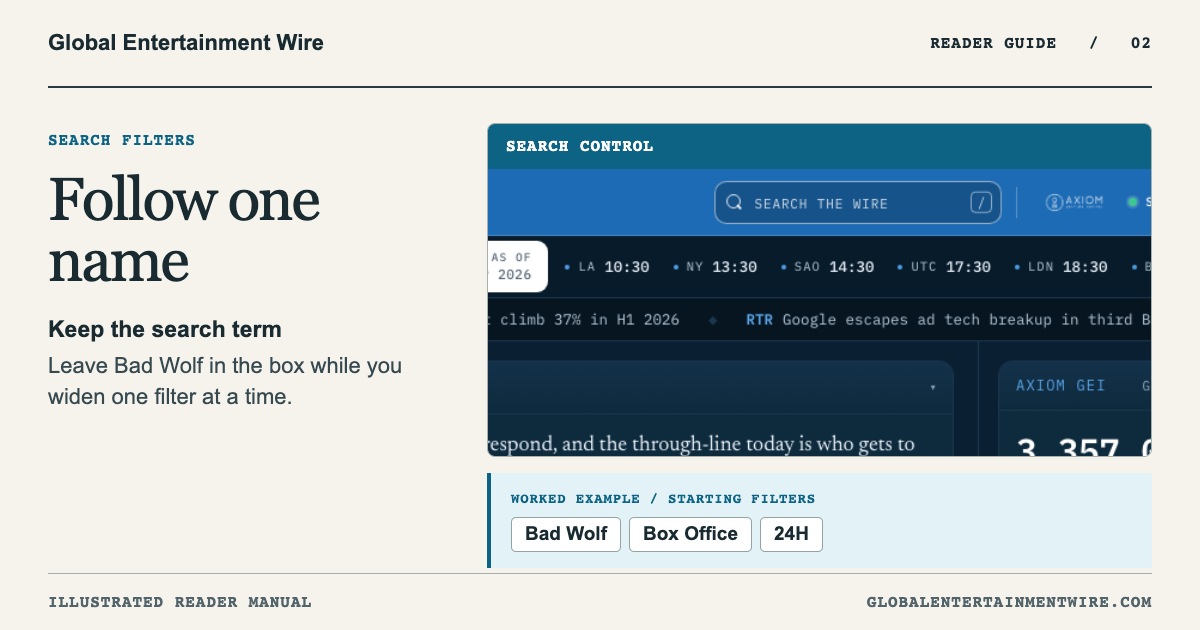
Keep Bad Wolf in the search box and change one filter at a time. Try a two-headline example to see how the Box Office topic and the time window affect results.
What does the search box look through?
With a free account, type a name or phrase in Search the Wire. The feed narrows as you type. A topic, source or time window already selected still applies. Try this example here first.
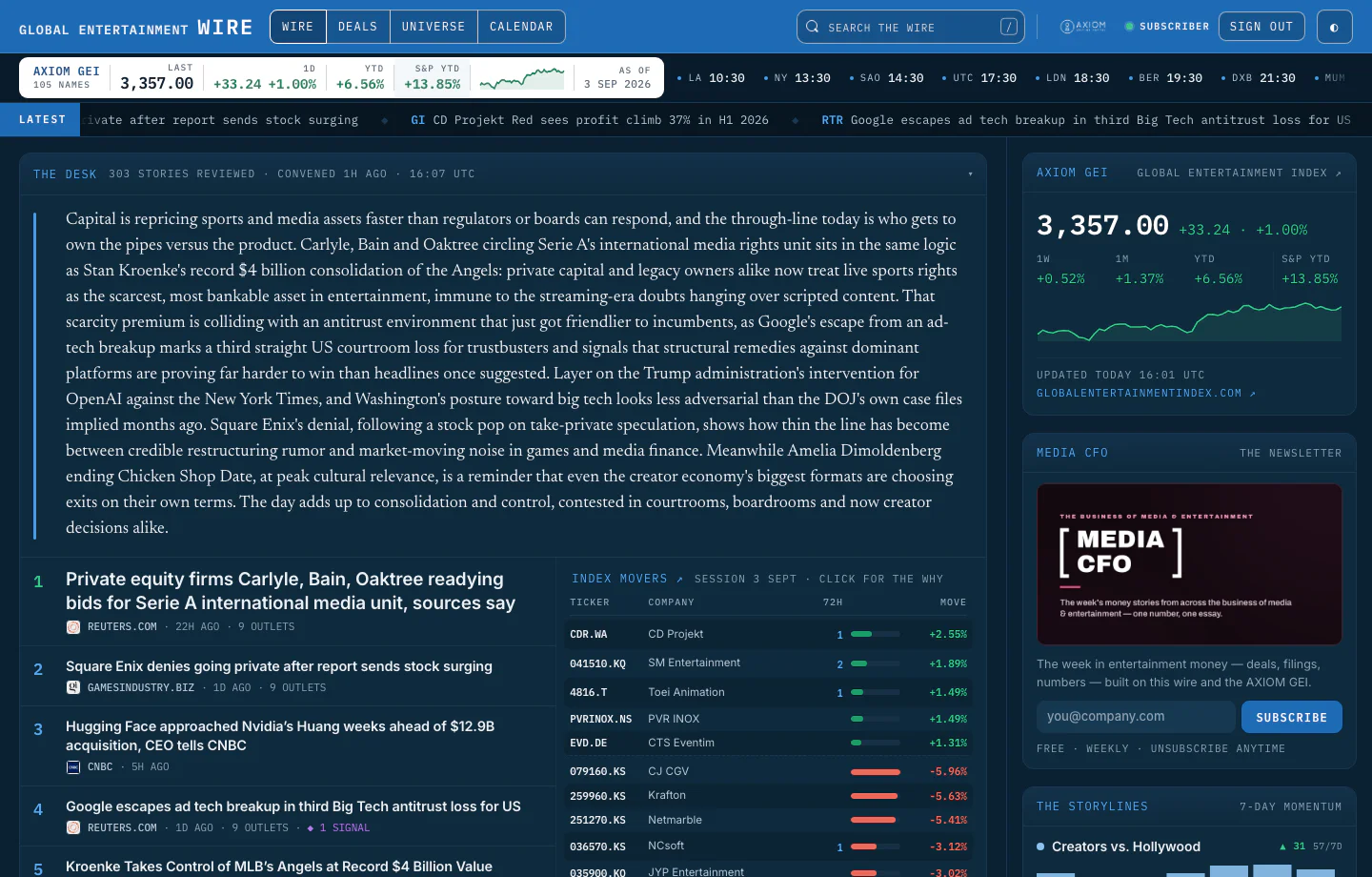
Search matches the headline, summary, source name and tags of the stories in the feed, and works together with the filters below.
From the Entertainment Wire reader manual
Why might a familiar company have no results?
Imagine searching for Bad Wolf with Box Office selected and the window set to 24H. The empty result tells you that nothing in the loaded feed matches that combination.
Which filter would you change first?
Keep Bad Wolf in the search box. Switch the category to All, then widen the time window to 14D·ALL. If you selected a single publisher, return to All sources. Changing one setting at a time shows which condition narrowed the results.
Which story would this search return?
Try these two invented headlines. Both are from the last 24 hours and both mention Bad Wolf.
- A Bad Wolf series starts filming — filed under Production.
- A weekend box-office report mentions Bad Wolf — filed under Box Office.
If I search for Bad Wolf and select Box Office, which headline stays?
Only the second. Both headlines match the name, but only the second matches the selected topic. Choose All under topics and both qualify in this example. Widening the time window alone would still exclude the first headline.
When your question is which company the story refers to, use the directory walkthrough. Identify the company behind a production.
How far back does it search?
The widest setting covers the loaded rolling feed. Load more displays additional matches within that window. A quiet result is a reason to check the filters before drawing a conclusion about the company. See all search controls.